

1. Why Accessory Problems Feel Random but Rarely Are
A phone that charges slowly, a cable that only works at one angle, a tablet that slides off its stand: these small failures interrupt the day more than most people admit.
The cause is usually not bad luck. It is a mismatch between what the accessory was designed to do and how it is actually used.
The advice here is general and based on common-sense electronics practice.
2. Match the Accessory to the Device Before You Match the Price
The most common reason an accessory disappoints is that it was never a good fit. Before choosing anything, write down three facts about the device it will serve.
- The connector type. Look at the port itself and note its shape and size.
- The power needs. Your device manual or label usually lists the voltage and current it expects.
- The physical size. Measure thickness and width if the accessory will hold or carry the device, especially with a protective case on.
That last point is easy to forget. A stand that fits a bare phone may reject the same phone in a thick case.
Think about where the accessory will live, too. A bedside charger faces different demands than one that rides in a bag every day.
3. Cables and Chargers: Reading the Specifications That Matter
Cables and chargers cause the most frustration, so they deserve the closest reading. A cable has two jobs: carrying power and carrying data.
What to check on a cable
Look for the connector standard on both ends, the stated length, and whether the product mentions data transfer.
What to check on a charger
A charger should provide at least the output your device requests. If it provides more, a properly designed device simply draws what it needs.
A quick comparison
| Accessory | Key check | Common mistake |
|---|---|---|
| Charging cable | Connector type, length, data support | Assuming every cable moves data |
| Wall charger | Output matches device needs, safety marks | Choosing on price alone |
| Adapter | Both ends fit snugly | Stacking several adapters in a chain |
| Stand or holder | Fits device with case on | Ignoring weight and balance |
If a device regularly runs out of battery before the day ends, the cable is rarely the whole story, but a worn cable or underpowered charger can make it worse.
4. Stands, Holders and Organizers: Placing Devices Where They Are Safe
Where a device sits matters as much as how it charges. Phones and tablets in kitchens, desks and workspaces face spills, steam, vibration and accidental knocks.
For recipe viewing or video calls near a work surface, a dedicated holder helps. Browsing kitchen stands built to hold phones and accessories can show you the range of angles and footprints available, which is useful when counter space is tight.
What makes a stand dependable
- A stable base. A wider, heavier footprint resists tipping when you tap the screen.
- A non-slip contact surface. This protects the device and prevents slow sliding.
- Cable access. A cutout or gap lets you charge while the device is standing.
- Adjustable angle. You can tilt for glare or change viewing height without moving the base.
Keep charging devices away from stovetops, sinks and heat sources. Heat shortens battery life, and liquid near a connector is a leading cause of port damage.
5. Daily Habits That Slow Wear and Prevent Damage
Most cables do not fail from age. They fail from small repeated stresses. A few habits make a visible difference over months.
Unplug by the plug, not the cord
Pulling on the cable strains the thin wires inside the collar. Grip the connector body and pull straight out.
Avoid sharp bends
Tight angles at the plug are where internal wires snap. Leave a gentle curve, and avoid using a device while it is tugging on a short cable.
Keep ports clean
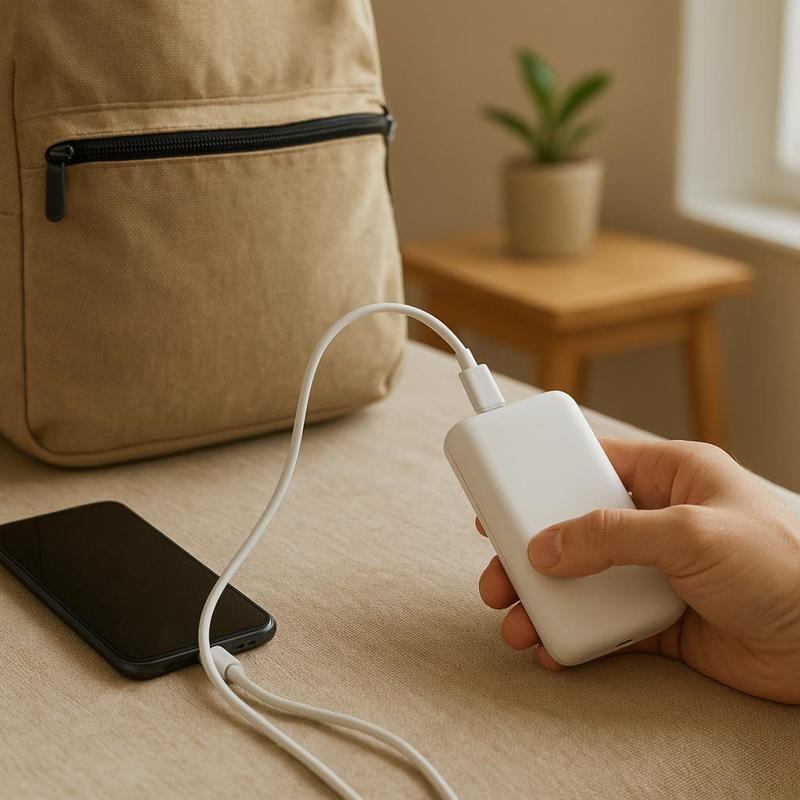
Lint and dust collect in charging ports and can cause loose connections. Switch the device off and use a wooden toothpick or a soft, dry brush to gently clear debris.
Do not overload outlets
Plugging many high-draw items into one extension strip can overheat it. Spread heavy loads across outlets and follow the rating printed on the strip.
Charge in open air
Do not charge devices under pillows or inside covered bags. Heat needs somewhere to go, and trapped heat degrades both battery and charger over time.
6. Storage and Travel Care for Cords and Small Accessories
Loose accessories tangle, get crushed and disappear. A little structure prevents most of that.
Dedicated containers help here. Compartmented trays and open baskets keep chargers sorted by device, so you grab the right one without untangling a pile. If you already use kitchen baskets for everyday organization or kitchen storage and organization pieces, a small basket on a shelf or counter can serve as a charging station for cables and spare adapters.
For travel
- Use a small zippered pouch so connectors do not scratch or snag.
- Label chargers if you own several that look alike.
- Pack a spare cable for each connector type you rely on.
- Keep batteries and power accessories out of hot car interiors.
Check cords before each trip. A cable with a cracked collar or exposed wire should be retired, not taped and reused, because damaged insulation is a safety hazard.
7. Troubleshooting Checklist and Quick-Reference Summary
When something stops working, run through these steps before replacing it.
- Swap the cable. If a second cable works, the first one is the problem.
- Try another outlet or port. This rules out a faulty power source.
- Clean the port. Gentle debris removal solves many intermittent charging faults.
- Inspect for damage. Look for fraying, bent pins, discoloration or unusual heat.
- Check compatibility. Confirm the connector and power rating match the device.
If a charger smells hot, buzzes loudly or shows scorch marks, stop using it immediately.
Summary
| Goal | What to do |
|---|---|
| Choose well | Note connector, power needs and size with the case on |
| Use safely | Unplug by the plug, avoid sharp bends, keep away from heat and liquid |
| Care for it | Coil loosely, clean ports gently, store in a labeled organizer |
| Know when to replace | Any exposed wire, heat damage or loose fit |
Good accessories are quiet ones: they work, stay out of the way and rarely need thought. If you want to browse options with these checks in mind, you can explore the Homivo store and start with the Electronics Accessories collection. A careful match, a few steady habits and tidy storage will do more for reliability than any single upgrade.